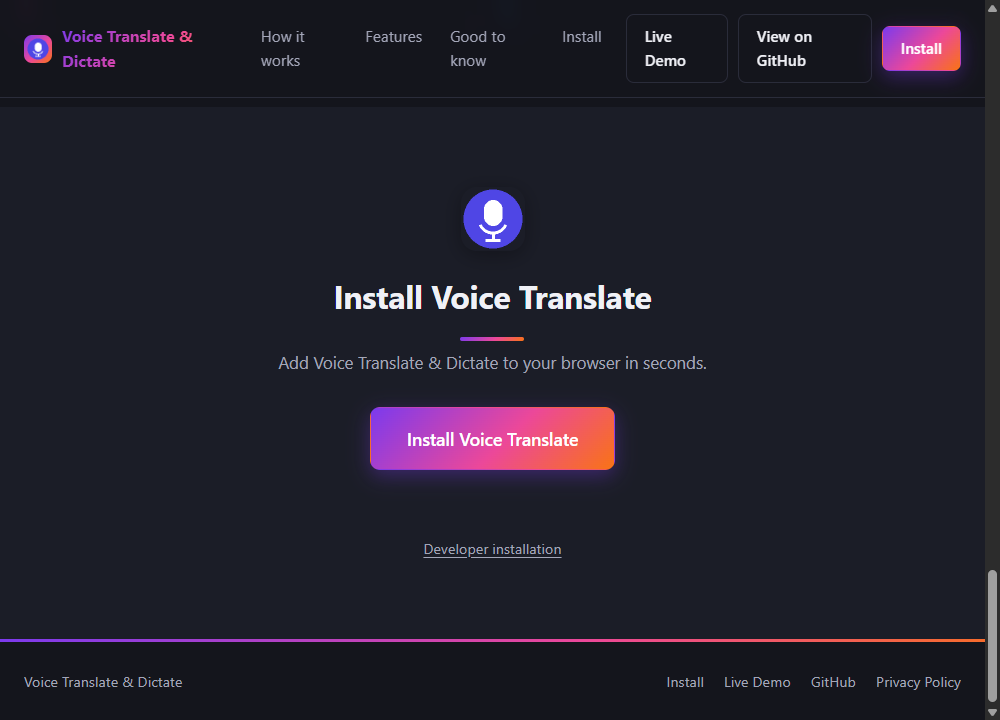
When I built the landing page for Voice Translate & Dictate, I wanted the obvious thing: a big "Install" button that adds the extension to Chrome right there, on my own site, in one click. That's how it works for apps, for browser bookmarklets, for basically everything else on the web. I assumed extensions would be the same. They aren't, and once I understood why, I stopped trying to work around it.
The short version
No website — mine, yours, anyone's — can trigger a Chrome extension install. The only place that install action can happen is on a page under chromewebstore.google.com, after the extension has passed Google's review, on an explicit click from the user, on that domain. This isn't a missing feature or an oversight. It's enforced inside the browser itself, and there's no API, flag, or clever trick that gets around it from a third-party page.
Why the restriction exists
Think about what a one-click install button from any website would actually enable: any page you visit could push arbitrary code into your browser, with full extension permissions, the moment you clicked something that looked like a normal button. Extensions can read page content, intercept requests, and in many cases see everything you type. A "one click and you're infected" install path from arbitrary websites would be one of the most effective malware distribution mechanisms ever built into a browser. So Chrome doesn't allow it, full stop.
This used to be slightly different. Chrome had an chrome.webstore.install() API that let some Web Store installs happen from a third-party page — "inline installation." Google removed it in 2018, specifically because it was being abused to trick people into installing malicious extensions from pages designed to look trustworthy. The current, stricter model is a direct response to that.
What actually happens when someone installs your extension
The real flow looks like this: your website links to your extension's Chrome Web Store listing. The user clicks through, lands on a Google-hosted page, and clicks "Add to Chrome" there — not on your site. Chrome shows its own permissions dialog. If they accept, the extension installs. It's not "one click from your homepage," it's "one click, one page away, on a domain Chrome trusts." That's the ceiling. Nothing you build client-side moves that ceiling.
The part that surprised me: you can still know when it's installed
Once I accepted the install button had to leave my site, I wanted the next best thing: detect when the extension was actually installed, so the button could change from "Install" to "Installed" without the visitor doing anything else. This part is possible, and it's genuinely useful.
Manifest V3 has a field called externally_connectable that lets an extension declare which external websites are allowed to send it messages:
"externally_connectable": {
  "matches": ["https://your-site.example/*"]
}
With that in place, your website can ping the extension directly:
chrome.runtime.sendMessage(EXTENSION_ID, { type: 'ping' }, (response) => {
  const installed = !chrome.runtime.lastError && response?.installed;
});
If the extension is installed and answers, you know. If it's not installed, chrome.runtime won't even exist on the page, or the call will fail silently — either way, you can detect "not installed" without lying about it. No permissions are granted to your website in the process; the extension only replies to origins it explicitly listed.
What I ended up building
The install button on the Voice Translate & Dictate site does exactly what's actually possible, honestly: it detects your browser (Chrome, Edge, or unsupported), links out to the real Chrome Web Store listing once it exists, and — if the extension answers a ping — flips to a green "✓ Installed" state with an "Open" action instead. Nothing on the page claims to install anything it doesn't. That constraint turned out to make for a more trustworthy button than the fantasy version I started out wanting.